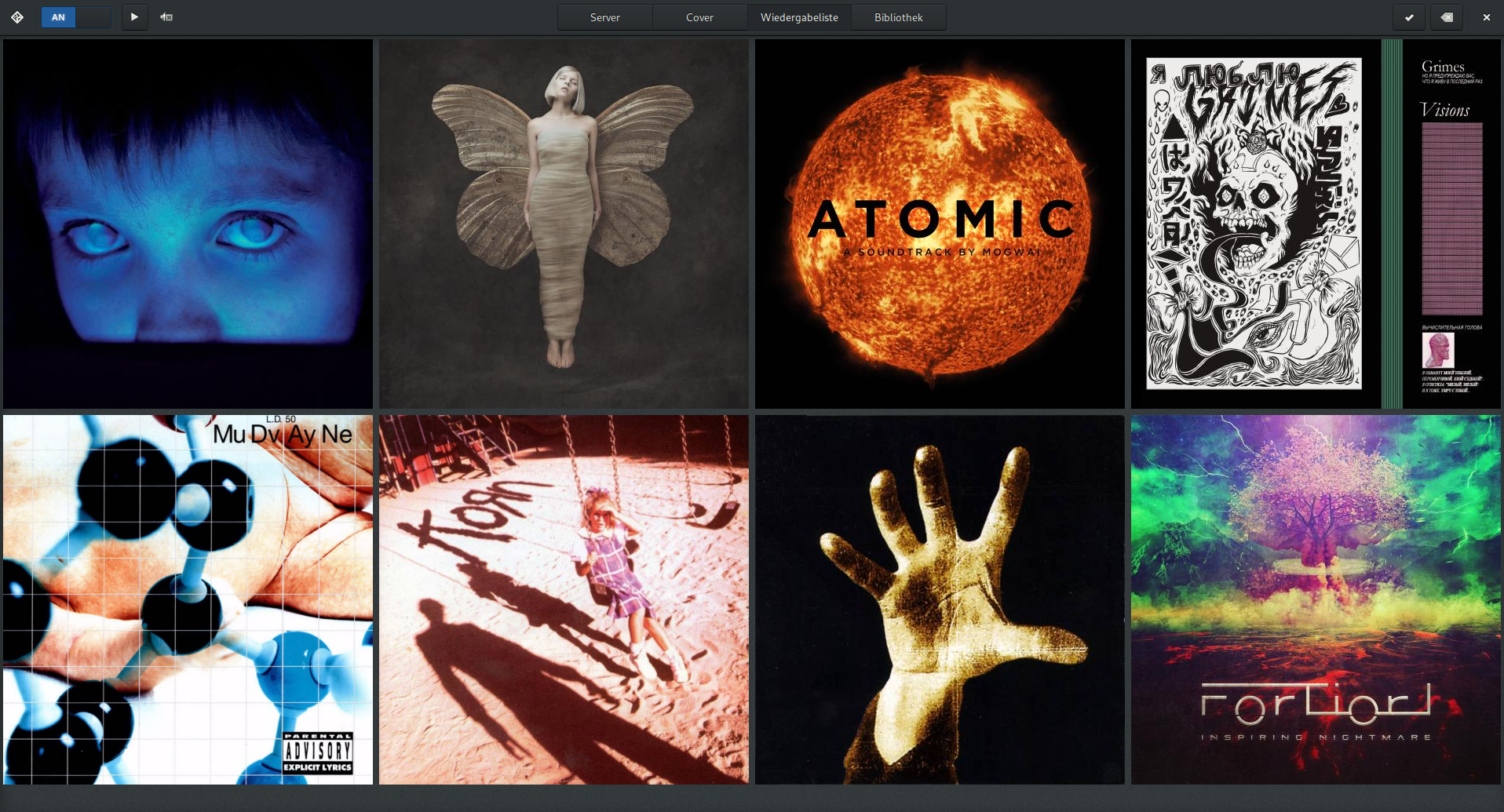
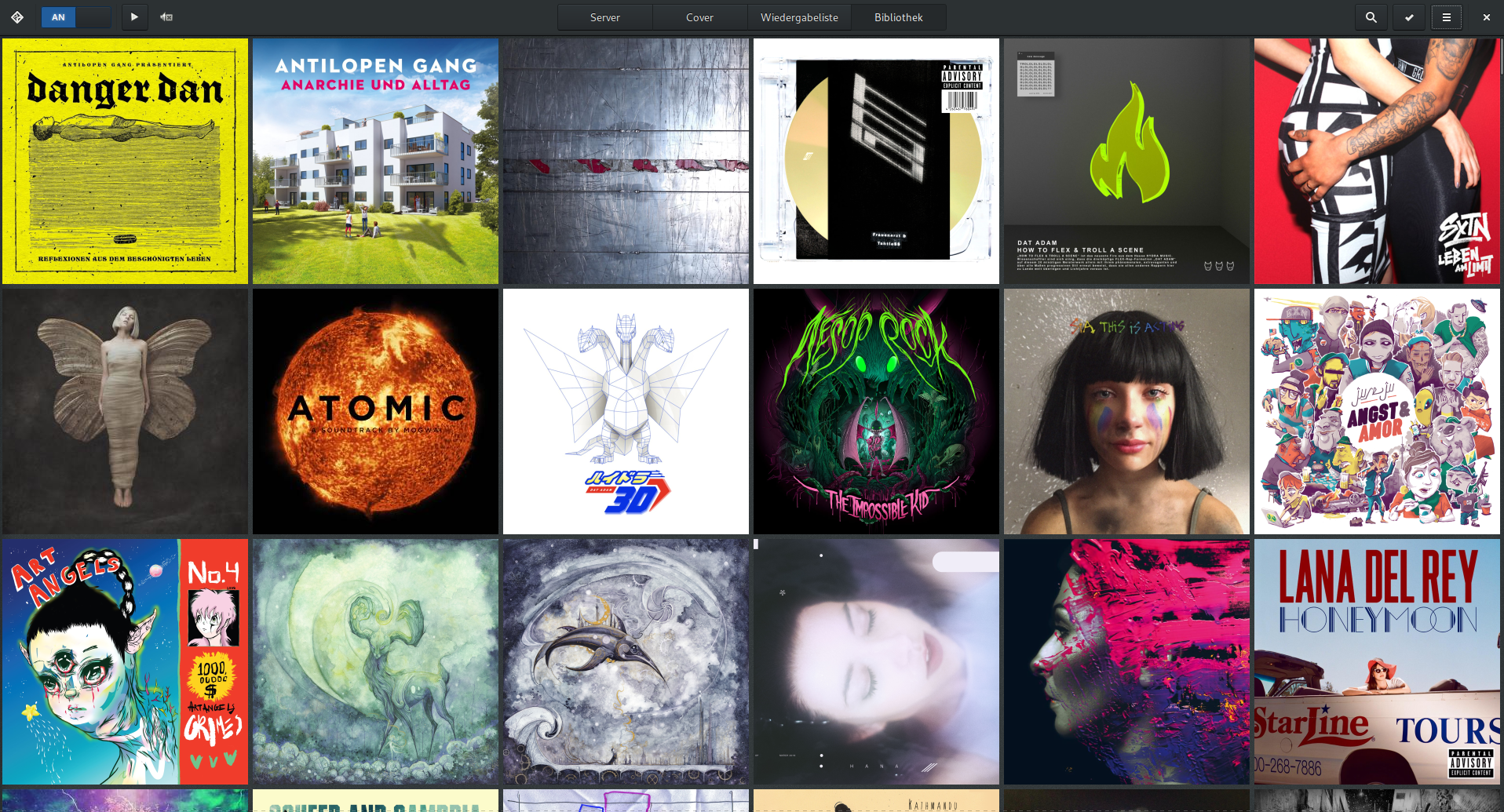
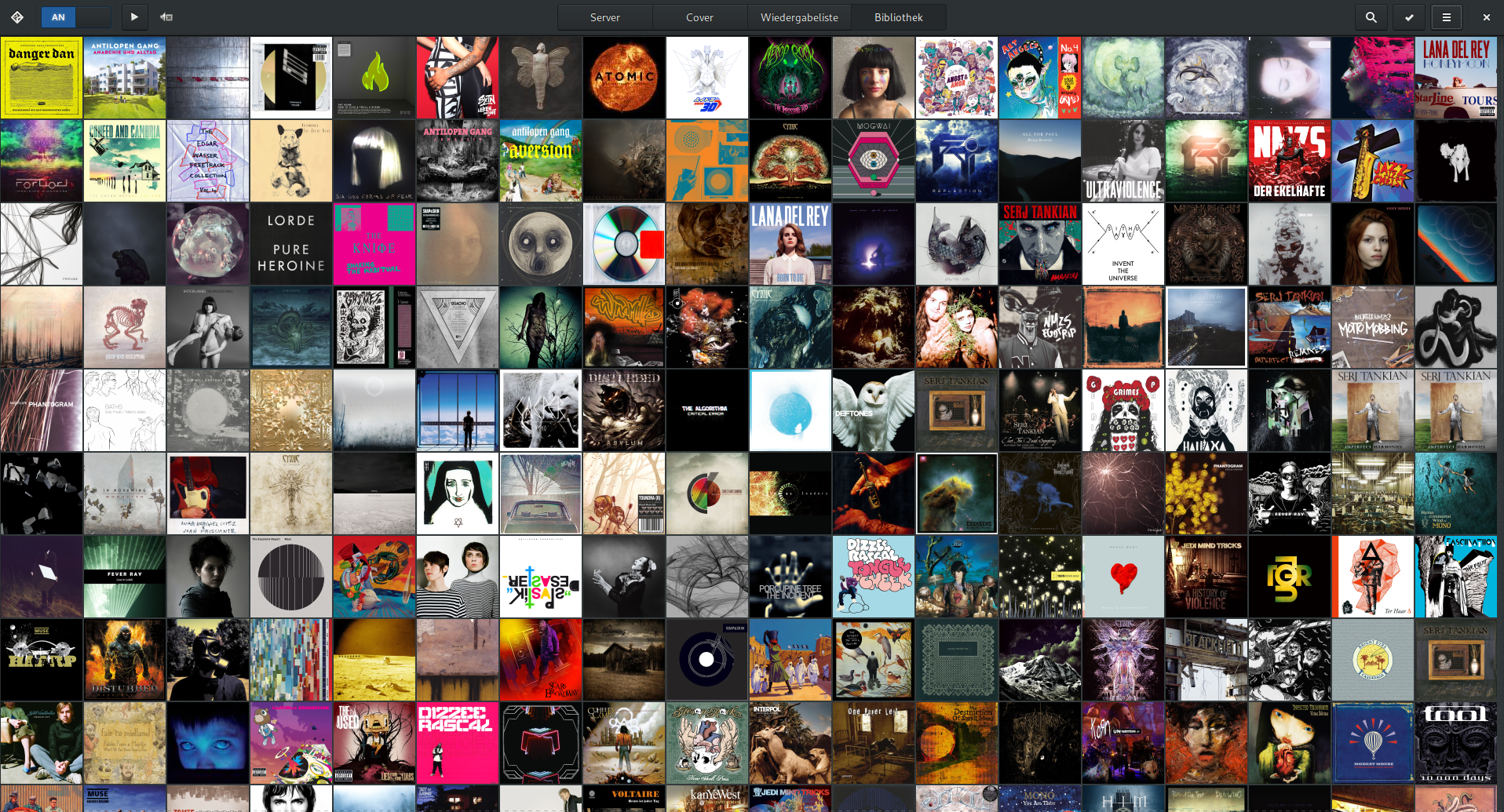
A covergrid for the Music Player Daemon, focusing on albums instead of single tracks.
- Go 98.2%
- Meson 0.9%
- CSS 0.9%
| Filename | Latest commit message | Latest commit date |
|---|---|---|
 Olli
690f0f8e9a
Olli
690f0f8e9a
Add back the noise texture background by embedding the image file and setting it as base64-encoded data as CSS background image. |
||
| data | ||
| internal | ||
| locale/de/LC_MESSAGES | ||
| po | ||
| .gitignore | ||
| CONTRIBUTING.md | ||
| go.mod | ||
| go.sum | ||
| LICENSE | ||
| main.go | ||
| README.md | ||
CoverGrid
CoverGrid (mcg) is a client for the Music Player Daemon (MPD), focusing on albums instead of single tracks. It is not intended to be a replacement for your favorite MPD client but an addition to get a better album-experience.
Website: https://www.suruatoel.xyz/codes/mcg
License: GPL v3
Dependencies:
- GTK 4 (>= 4.18)
- libadwaita (>= 1.2)
- go (build only)
Additionally, an MPD server (version >= 0.21.0) is required at runtime.
Building
Build the application with go:
$ go build .
Running
Run the application for testing purposes:
$ go run .
Run the application:
$ ./mcg
Packaging
The suggested package name for this project is “mcg”. To build a production binary, please use the following command:
$ go build --ldflags="-s -w -X main.Version=$(git describe)" -trimpath ./...
In the “data/” folder you will find a .desktop file and an SVG icon.
Screenshots